

An emergency message is designed to attract attention. That makes accurate verification important, because a real warning, an old screenshot and a scam can all arrive with urgent wording. The useful response is to check the source, location and time while taking appropriate action for any immediate danger.
Do not let verification become a reason to ignore a genuine urgent instruction. Equally, do not share an alarming claim simply because a friend forwarded it. A few reliable habits can help you act promptly without spreading information that has lost its context.
This guide focuses on household checks, including the UK's national Emergency Alerts system and other local messages. Different services use different channels. A flood-warning text, a school message and a national mobile broadcast are not the same thing, so avoid judging authenticity through one universal rule.
Start with source, place and time
Ask who issued the message, which area it covers and when it was published. Those three details often determine whether the warning is relevant now. A genuine notice from last year or another location can still mislead when copied without context.
Look for the action requested and whether it fits the named authority's role. A water company may issue a supply notice; a school may explain collection arrangements; emergency services may direct protective action. A familiar organisation's name in a message is a claim to check, not proof by itself.
If you can safely observe an immediate hazard, respond appropriately and seek emergency help where needed. You do not need a perfect online verification process before leaving a burning room or acting on another immediate threat to life.
Know how the UK's national Emergency Alerts system works
GOV.UK describes a system that broadcasts through compatible mobile networks to devices in the relevant area. It is not an ordinary email subscription or a routine text conversation. Compatible devices do not need mobile data or Wi-Fi to receive the broadcast, but network and device conditions still matter.
You do not need to pay, download an app or provide bank details to receive national Emergency Alerts. The government says the service will not send emails or ask for personal information. A message making those demands should not be treated as an authentic request from that service.
These facts apply to that particular system. Other legitimate organisations may use texts, emails, apps or phone calls for their own warnings. Do not turn the national service's characteristics into a claim that every local warning sent differently is false.
Check independently rather than following the supplied link
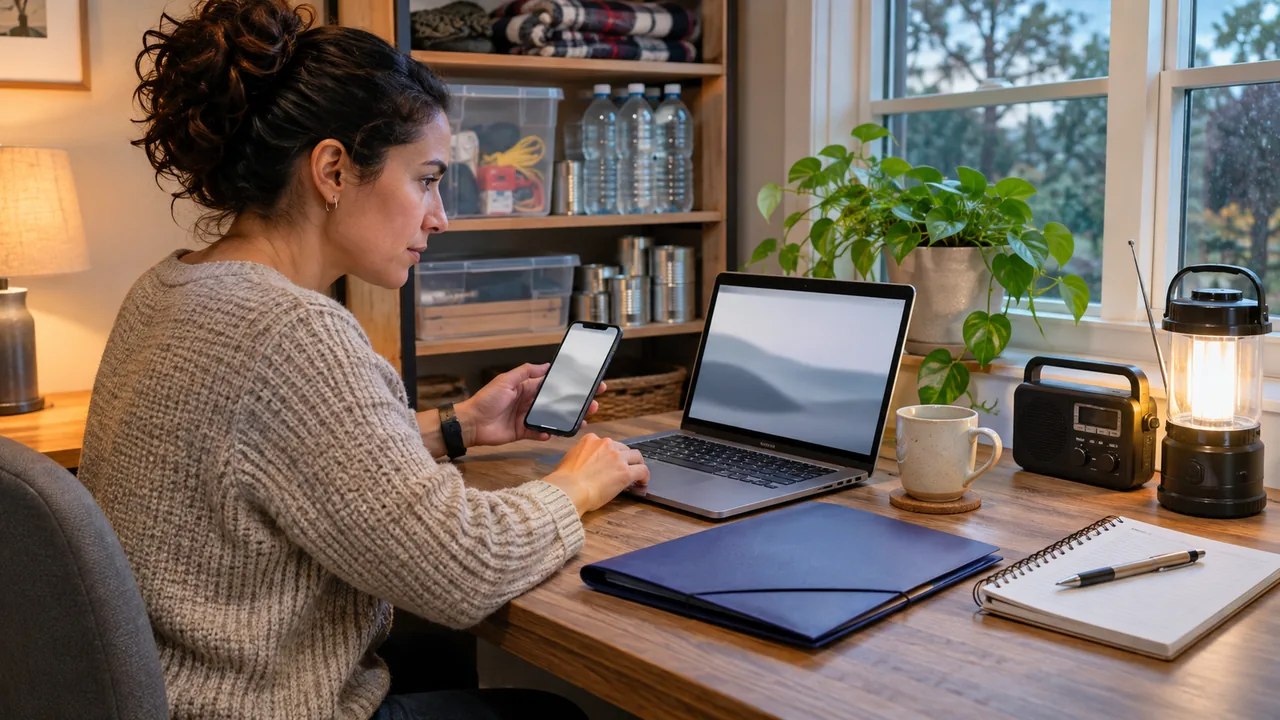
Use an official website or contact route you already know, or reach the organisation independently. Avoid using the number or link in a suspicious message as the only verification method. A scam can supply both the claim and a convincing place that appears to confirm it.
Check the actual website address and the context of the page. A logo, copied photograph or familiar design does not establish ownership. Be cautious about lookalike names, unexpected login screens and requests unrelated to obtaining safety information.
If the normal site is unavailable, use established alternative communications through reliable sources. Do not accept a newly discovered social account merely because it posts frequent updates. A gap in information should not lower the standard for handing over private details.
Distinguish warnings from requests for money or access
Protective instructions tell you what to do about a hazard. A request for a password, one-time code, transfer or fee needs a different level of scrutiny. Urgent language does not make a financial or security request legitimate.
Do not share account credentials or approve a login you did not initiate because someone claims it is part of emergency verification. Contact the relevant service through a verified route if you have a genuine account concern.
An actual local incident does not authenticate every message that mentions it. Scammers can refer to real events and use accurate details to make an unrelated request sound convincing. Verify the request itself, not only whether a disruption exists somewhere.
Treat screenshots as incomplete evidence
A screenshot can remove the original link, update time and later correction. It may also show a genuine page from another place or an earlier incident. Before acting or sharing, try to locate the current original through the responsible organisation.
Do not assume that a large number of forwards makes the content current. A copied image can circulate through several groups without anyone checking the source. The same picture arriving from three people may still be one unverified claim.
If the original cannot be confirmed, say that clearly and avoid adding certainty. You can ask whether someone has the current official link without reposting an alarming image to a wider audience. Useful caution includes accurate language about what remains unknown.

Check the geographical detail
Emergency instructions can be highly local. A county-wide weather forecast, a street-level evacuation instruction and a provider's service area are different kinds of information. Identify which applies to your actual location and the people you are responsible for.
If you are travelling, check the area you are in and the route ahead, not only the saved home postcode. A warning relevant at home may require a different response while you are at work or staying elsewhere.
Do not guess that a nearby boundary means the risk is absent. Use the official map, wording and local instructions. If the detail is unclear and affects an urgent decision, seek appropriate clarification while maintaining immediate safety.
Preserve uncertainty when sharing an update
An estimate is not a guarantee, a forecast is not an observation and an investigation is not a confirmed cause. Keep those distinctions when you pass information to relatives. Turning qualified wording into certainty can change the action someone takes.
Share the current original link where appropriate and include the relevant time and area. Avoid adding a dramatic caption or a prediction not made by the authority. A short factual message is often more useful than a long interpretation.
If you discover that something you shared is wrong or outdated, correct it in the same places where practical. Make the correction clear enough that people know which earlier claim it replaces. Quietly deleting a message may not reach people who have already acted or forwarded it.
Keep children and vulnerable relatives away from unnecessary alarm
Explain the practical action in clear terms without repeatedly replaying alarming footage. Children do not need to interpret technical warnings or decide which adult message is genuine. Give them the simple steps relevant to their age and situation.
Ask relatives how they prefer to receive a verified update and whether they need help checking a message. Support should preserve independence and privacy. Avoid making someone embarrassed about asking, because that can make them less likely to seek a second check next time.
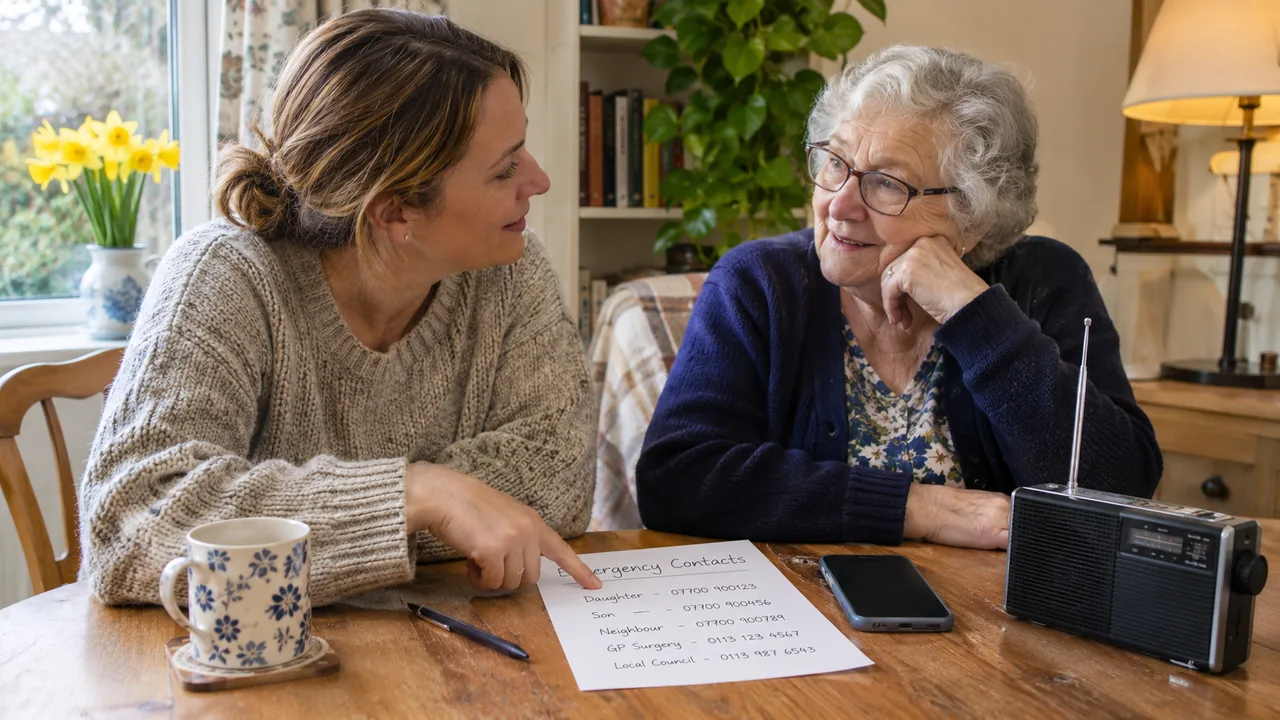
Agree a trusted contact routine before an incident. A person can pause an unexpected financial request and call a known relative or provider through a familiar number. Keep that number available without relying on the suspicious message itself.
Use more than one information route
Keep official websites, relevant provider details and useful broadcast options in the household plan. A battery radio can add a route when internet access is unavailable, subject to reception and broadcasts. Paper contacts remain useful when a phone is flat or inaccessible.
Do not assume a working phone means every network or site is available. A local outage can affect several digital routes together. Our offline emergency updates guide explains how to build practical alternatives.
Keep the alternatives proportionate and familiar. You do not need to monitor every feed at once. Choose the responsible sources for the incident and check at sensible intervals, preserving battery and attention for the tasks that change your decisions.
Example: a genuine-looking flood screenshot
Imagine a group chat receives a flood-warning screenshot with no date visible. The household checks the official flood information for its area rather than assuming the image applies to tonight. It looks for the warning level, location, publication time and actual protective advice.
If a current warning is confirmed, the family follows the relevant action promptly. If the image describes another area or an old event, it avoids presenting that screenshot as a current local instruction. Either outcome is more useful than forwarding the picture with 'everyone evacuate now'.
The lesson is not that screenshots are always false. It is that a copied image has lost part of the evidence needed to act. Restoring the source, place and time can turn a confusing message into an understandable decision.
Example: a fee to activate emergency warnings
Imagine an email claims that national mobile alerts will stop unless you pay a small activation fee and enter card details. The household does not use its link. It checks GOV.UK independently and sees the national service's information about free alerts and no personal-data request.
It reports the suspicious message through an appropriate route and deletes it once any useful record is kept. If details have already been shared, the relevant bank or account provider is contacted promptly through verified information.
This example shows why the requested action matters. A message can sound like public safety while actually asking for financial access. The urgent subject should make you more careful with security details, not less.

What to do if you already clicked
Do not continue entering details simply because the page looks official or you have already started. Stop and use the relevant provider's guidance. The appropriate action depends on what happened: viewing a page, downloading something and sharing security information are different situations.
If account information or money may be affected, contact the provider promptly through an independently verified route. Follow its security and reporting process. Keep relevant details of the message and what you did, without re-engaging with a suspected scammer to negotiate a solution.
Use current NCSC guidance for suspicious messages and device concerns. Do not install an unfamiliar 'cleanup' product offered by another unexpected contact. A second urgent claim can exploit the same anxiety as the first.
Reporting can help others without spreading the message
Use the appropriate official reporting route for suspicious emails, texts or websites in your location. Check current government or provider instructions rather than assuming every service uses the same process. Do not send account secrets or unnecessary personal information with a report.
If warning relatives, describe the pattern and the verified contact route. Avoid forwarding a live malicious link casually. A simple explanation of the claimed fee or security request may be enough for someone else to recognise it.
Keep the tone supportive. The objective is to make the next check easier, not to criticise someone for receiving or believing a convincing message. A household that can ask questions openly is better placed to stop an urgent claim becoming a rushed action.
Build a small verification routine before an emergency
Save the official sources relevant to your area and essential services. Put useful numbers on paper and agree a family contact. Learn the difference between the national alert system and the other local messages you may receive.
Practise with an ordinary non-urgent notice: identify the issuer, area, time and requested action, then locate the original independently. You do not need to create a frightening fake alert to learn the process. A simple routine is easier to remember under pressure.
Review the plan when contacts or services change. Reliable verification is a habit built around current routes and clear questions. It supports prompt action on genuine warnings while reducing the chance that an old image or scam directs the household.
Correct an inaccurate warning clearly
If you discover that a message you shared was old or applied elsewhere, send a clear correction through the same relevant channels where practical. State which earlier message it replaces, what was wrong and where the current verified information can be found. Avoid quietly adding another screenshot and expecting people to infer the change.
Keep the correction factual and proportionate. You do not need to repeat every alarming detail or speculate about who first created the message. The useful action is restoring the source, location, time and instruction so that people can make the next decision accurately.
If you know someone may already be acting on the mistaken information, contact them through a suitable safe route. Do not distract a driver or encourage someone to reverse an appropriate protective action without checking current official advice. The correction itself must preserve the context that was missing originally.
Make it easy for others to ask for a second check. A household or group that reacts with ridicule can discourage people from reporting uncertainty next time. A calm response supports better verification without making someone defend a message because they feel embarrassed.
Review how the mistake happened. Was the date cropped, the location assumed or a qualified forecast turned into a certainty? One small habit, such as opening the original before forwarding, may prevent a repeat. Keep that lesson alongside the verified source list rather than trying to monitor every message more intensively.
The purpose is useful shared information, not winning an argument about who was right. Clear corrections help the community recover from confusion and keep attention on current instructions and the people who need practical support.
Frequently asked questions
Are all warnings sent by text fake?
No. Different legitimate services use texts, emails, calls and apps. The UK's national Emergency Alerts system is a particular mobile broadcast service with its own characteristics. Flood-warning services, schools and utility providers may use other channels. Check the actual organisation, source, location, time and requested action rather than judging every warning through one channel rule.
Do I need to pay for UK national Emergency Alerts?
No. GOV.UK describes the alerts as free and says you do not need to download an app or sign up. The service does not ask for personal information. Do not follow a message requesting a fee or card details to activate it. Check the official government information independently if a claim makes you uncertain.
Should I ignore a warning until I have checked everything?
Do not delay appropriate action for a genuine urgent instruction or an immediate danger you can observe. Verification should support a safe decision, not become a lengthy obstacle to it. Check relevant details through established sources while following the protective steps that apply. Use emergency help where there is an immediate threat to life.
Is a warning genuine if several friends share it?
Not necessarily. Several forwards may all come from one old or unverified source. Find the current original where possible and check the area and time. A screenshot can be genuine but no longer relevant. Keep any uncertainty in your wording and avoid turning the number of shares into evidence of accuracy.
What if I have already given details to a suspicious message?
Contact the relevant bank or account provider promptly through an independently verified route and follow its process. Keep useful information about what happened. Do not continue with the sender or install another unexpected product claiming to fix the problem. Use current government and NCSC guidance for the type of message and information involved.
Sources and further reading
GOV.UK: how the alert system works